
1 or 2 photos
Boombox Rap AI
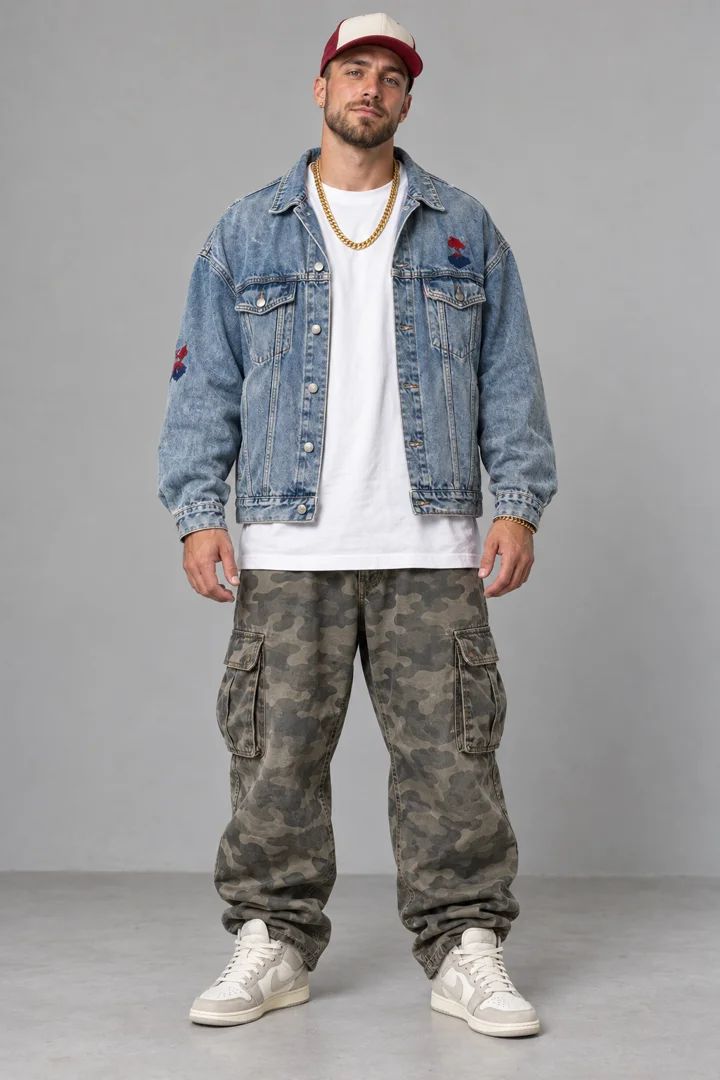
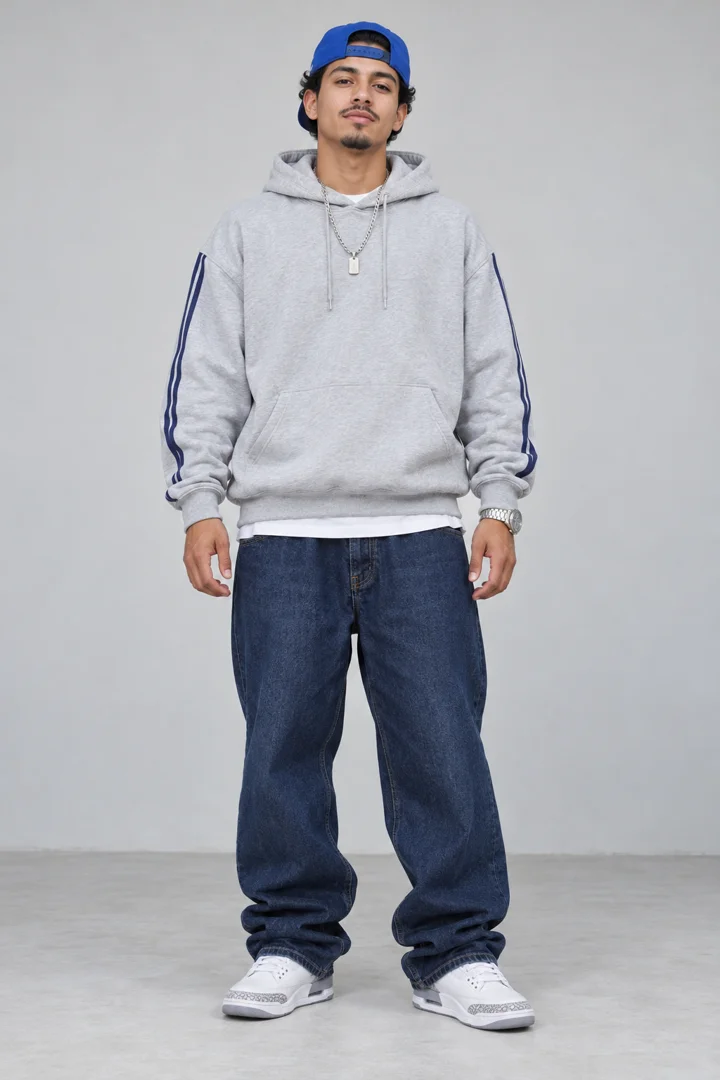
Boombox Street Duo
Video duration: 15s
Step off the porch with a boombox partner. Use one or two photos to join this street performance.
Template details & creditsUse this templateStep into a rap performance with your own photos. Pick a template, add one or two images, and make a 10–15-second video. No prompts to write.
Watch the examples free. No card needed.Generation packs from $4.99 / 150 credits
Your template in motion
A preview of the scene you can step into.
Street duos, a club crowd or a pet performance: preview the scene before you choose. Tap Sound on to hear the rap.
1 or 2 photos
Boombox Street Duo
Video duration: 15s
Step off the porch with a boombox partner. Use one or two photos to join this street performance.
Template details & creditsUse this template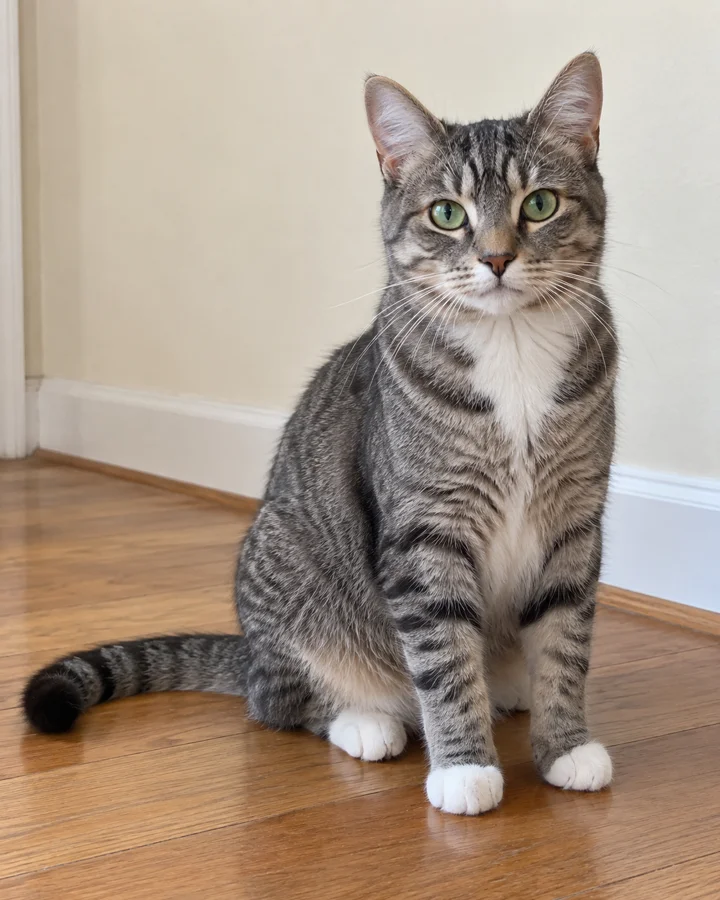
1 or 2 photos
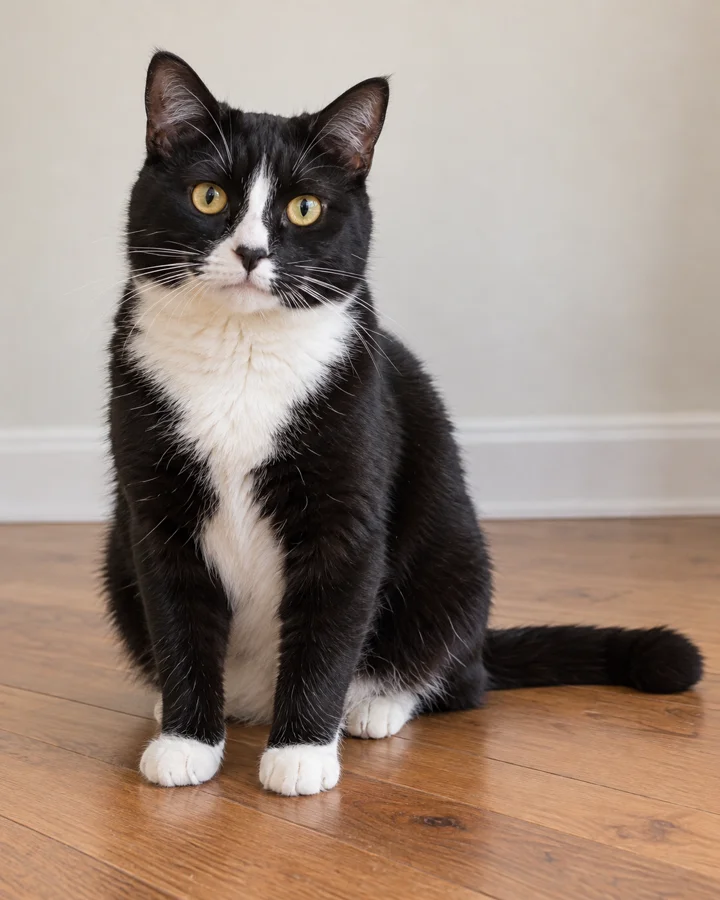
Cat Rap Duo
Video duration: 15s
Two cats take turns in front of the camera. Add one or two pet photos to make the duo your own.
Template details & creditsUse this template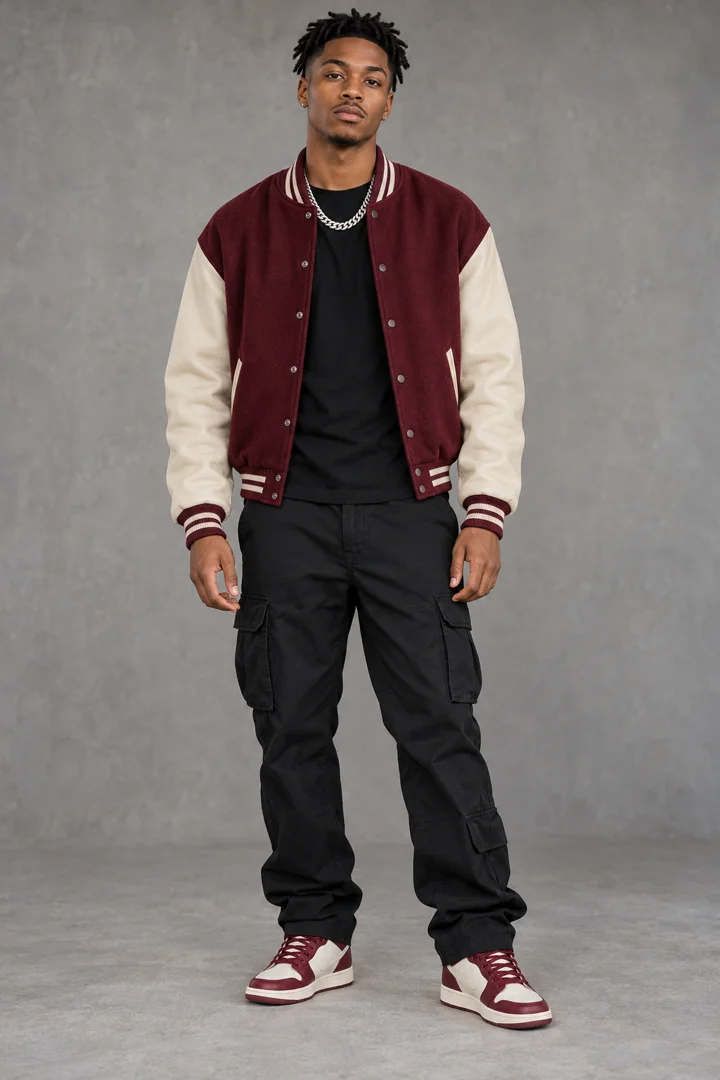
1 or 2 photos
Mic Check Duo
Video duration: 10s
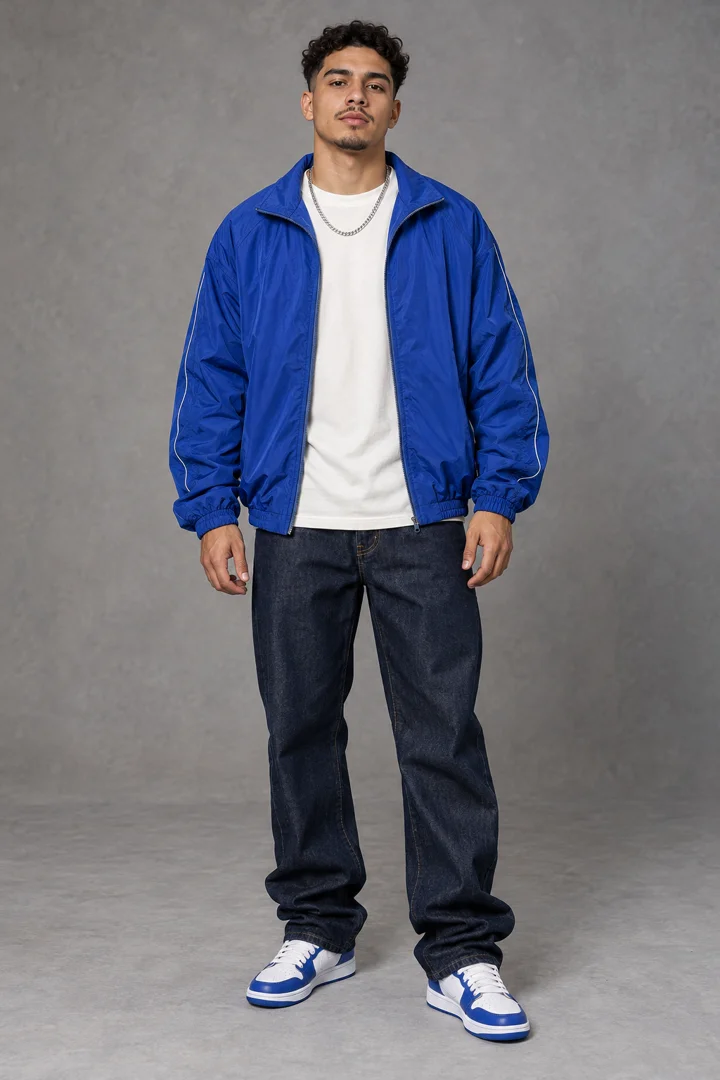
A close-up rap relay. Replace the lead with one photo, or bring two photos for both performers.
Template details & creditsSelected template
1 photo
Spanish Club Rap
Video duration: 15s
Red club lights and a crowd all around. One photo puts you in the lead of this Spanish rap scene.
Template details & creditsUse this template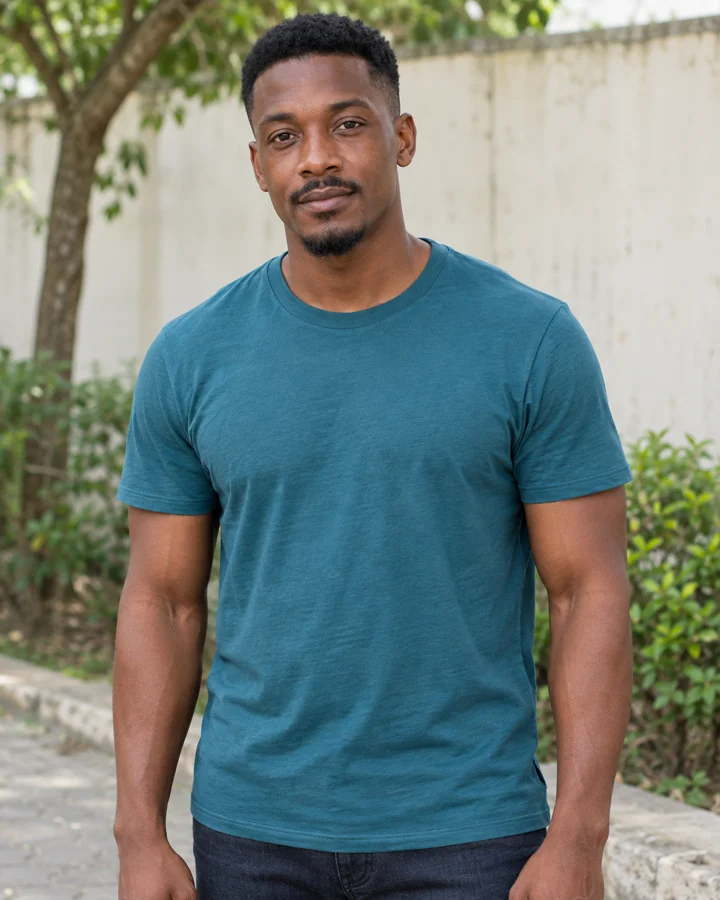
1 photo
Park Walk Rap
Video duration: 15s
Step out of the court and rap along the park path. One photo, one lead, with the camera following your stride.
Template details & creditsUse this template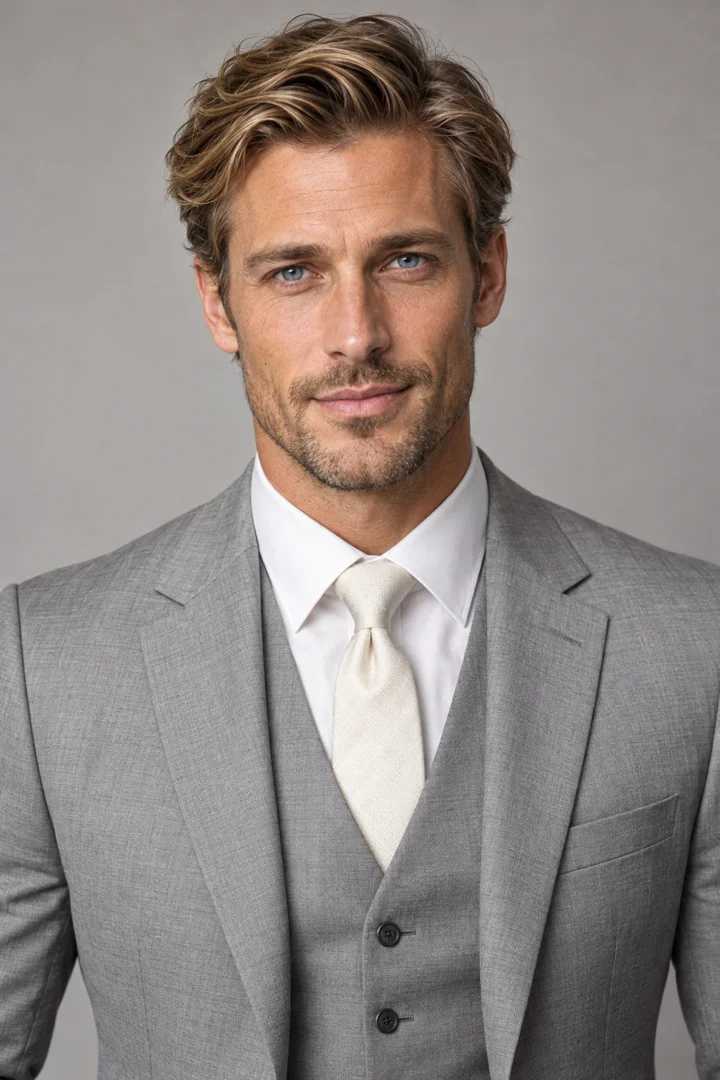
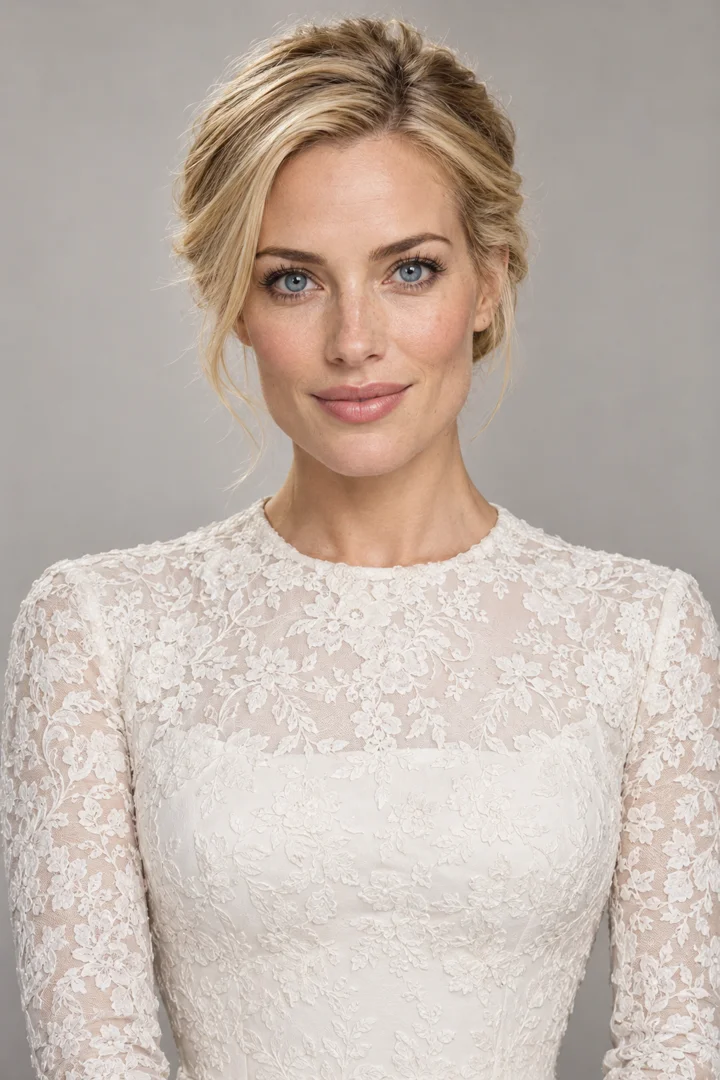
1 or 2 photos
Wedding Anniversary Rap
Video duration: 12s
Turn your husband's photo into a wedding rap surprise, or add two photos for a couple duet. A 12-second performance with the template's wedding outfits.
Template details & creditsUse this template


Outstanding Tiny Desk
Video duration: 19.03s
Replace all five performers with your photos: lead singer, keyboard player, left and right backing vocalists, and saxophonist. One photo is required for each role.
View the role mapUse this templateThese previews show each template’s scene and performance. Your photos personalize the characters; AI-generated results may vary.
Compare the inputs, output and cost before uploading a photo. These details come from the same catalog used by the creator.
| Template | 7 photo-to-rap templates with watchable examples |
|---|---|
| Your photos | One photo for a solo scene; one or two for a duo; five required photos for Outstanding Tiny Desk. JPG, PNG or WebP, up to 10 MB per photo. No custom prompt field. |
| Video output | MP4 videos of about 10 / 12 / 15 / 19.03 seconds, depending on the template. Most templates default to 9:16 and offer five other ratios. Outstanding Tiny Desk uses a fixed adaptive ratio and follows the reference video’s length. |
| Resolution options | 480p / 720p / 1080p |
| Starting purchase | $4.99 for 150 credits: enough for one 480p video from any current template. Credits never expire. |
| Account & payment | No account or payment card is needed to watch examples. Generation requires sign-in and enough credits. Credit packs are one-time USD purchases through Stripe; payment methods are shown at checkout. |
| Generation wait | The listed output seconds describe the finished clip, not the waiting time. Processing varies with the provider queue and request. There is no guaranteed completion time; follow the task bell or My videos. |
| Photos & downloads | Photos stay in your private library until you delete them. Finished videos are saved separately and can be played or downloaded from My videos after sign-in. Deleting an input photo does not delete an existing video. |
The preview shows the template’s scene and performance, not a guarantee of an identical result. This is template-based photo animation, not a custom song, voice-cloning or lyrics-writing service. Use photos you own or have permission to use.
Watch the AI rap video templates and check the output duration. Previews start muted; tap Sound on to hear the performance.
Use one clear photo for the lead, or two photos for a duo. For the cat template, bring your pet photos. Each image fills one role.
Choose 480p, 720p or 1080p and check the credit cost. Generate with an available template, then download the MP4 from My videos. The default format is 9:16.
You can preview every scene before signing in. Availability and the exact credit cost are shown in the creator before you submit.
Pay once. Credits never expire, including bonus credits. No subscription or automatic renewal. All prices in USD.
The selected template and resolution determine the credits shown before generation.
Questions about payments, credits or refunds? Contact support@airapvideo.life.
First verse
Start hereEnough for one 15-second video at 480p.
Mixtape
A little more room to create.
Studio
Try more scenes and sharper detail.
Full set
Keep your next few videos covered.
Headliner
Best value per creditThe most credits per dollar.
Record label
Our largest credit reserve.
The $99 pack has the lowest price per credit across all six packs. Check the selected template and resolution for each video’s credit cost.
Yes. Rap Your Life works directly in your web browser. Choose a rap template, upload your photos, select the video quality, and generate. You do not need to install an app, video editing software, or a browser extension. When your video is ready, download the finished MP4 from My videos.
You can make a selfie rap video with Rap Your Life without any editing experience. Choose a rap template, sign in and upload a clear selfie, select your video quality, and generate. When your video is ready, download the MP4 from My videos. You do not need to film yourself performing, learn video editing, use CapCut, or write a prompt.
No. Rap Your Life's current templates generate audio as part of the preset performance, so you do not need to record your voice, write lyrics, or upload a music file. The creator does not support custom songs, lyrics, or voice cloning. Listen to the template preview before choosing; the generated audio may differ from the example.
Yes. Open Rap Your Life in your phone or computer's web browser, sign in with Google, upload your photos, and generate. You can view and download your finished video from My videos. If you are creating on a computer and your photos are on your phone, choose Upload from phone to send them to your creation.
Rap Your Life is a template-based AI rap video generator. It uses one or two photos to personalize the characters in a preset rap performance. Choose a solo, duo or pet scene, set the resolution and aspect ratio, and download the finished MP4 from your account.
Yes. All template previews are available without buying credits. Creating your own video requires an account, enough credits and an available template. The creator shows the duration, resolution and cost before submission; unavailable options cannot be purchased or generated.
No. Rap Your Life uses fixed performance templates and does not offer custom prompts. Choose a template, add your photos, then select the resolution and aspect ratio.
The selected template shows whether it accepts one or two photos. Each photo represents one character. Use clear adult portraits or pet photos in JPG, PNG or WebP format, up to 10 MB each.
Yes. Choose Cat Rap Duo to create a 15-second AI cat rap video. Upload one cat photo to replace the lead and keep the template partner, or upload two cat photos to personalize both characters. Watch the template preview to see the preset performance before generating. Preview Cat Rap Duo · Explore the cat rap template
Choose 480p, 720p or 1080p; the default is 720p. Aspect ratios are adaptive, 16:9, 4:3, 1:1, 3:4 and 9:16, with 9:16 selected by default. The selected template shows the credit price for each quality.
Yes. Choose Wedding Anniversary Rap and add his photo in Photo 1 to replace the groom in a 12-second wedding duet. The template bride stays in the scene. No filming, editing or prompts are needed. Use a photo you have permission to upload. Try the wedding template · Anniversary video guide
You can both appear: choose two photos, with Photo 1 for the groom and Photo 2 for the bride. The wedding outfits and performance are preset. Custom lyrics, names, anniversary dates, songs and voice cloning are not supported.
Photos selected on your computer stay in the browser until you submit generation. If you use Upload from phone, tapping Send uploads the photo to private storage for the account on your computer. Photos are sent to KIE only when you submit generation. Your video is stored privately and can be downloaded from My videos after signing in. See our Privacy Policy for storage and deletion details.
Mic Check Duo produces a 10-second video, Wedding Anniversary Rap produces a 12-second video, and the other four templates produce 15-second videos. The credit cost depends on the template and resolution. Select both in the creator to see the exact quote before generating.
Rap Your Life is independent of TikTok and the people shown in reference material. Videos are AI-generated; review and label them before sharing.